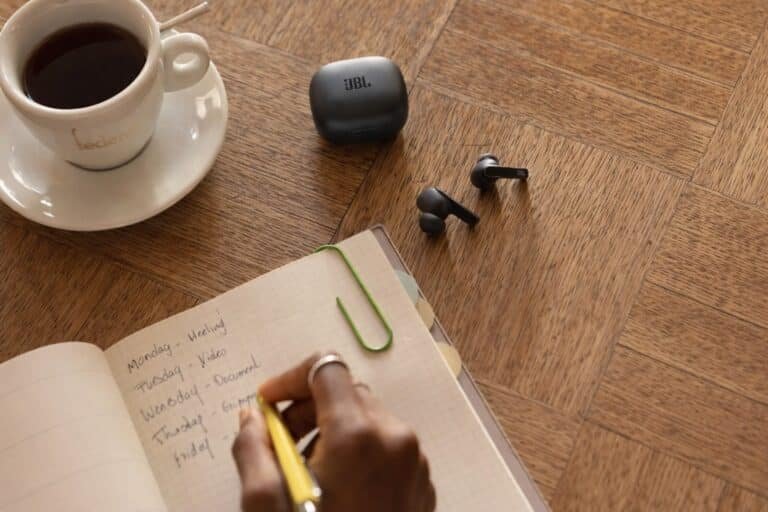
Place the earbuds in the case; then charge the case by cable or wireless pad.
If you have ever asked how do you charge wireless earbuds, you are in the right place. I have tested dozens of pairs across brands and learned what works, what fails, and why. This guide explains how do you charge wireless earbuds the right way, with clear steps, pro tips, and fixes you can use today.

How Wireless Earbuds Charging Works
Wireless earbuds use two batteries. Each earbud holds a tiny cell. The case holds a larger cell that refills the earbuds many times. The case then gets power from a USB-C or Lightning cable, or a Qi wireless charging pad.
Inside the case, magnets align the earbuds onto charging contacts. Smart chips control voltage and stop charging when full. Most models support quick top-ups. A short 10–15 minute charge often gives about an hour of play. The simplest answer to how do you charge wireless earbuds is this: charge the buds from the case, and charge the case from a charger.
Key parts at a glance
- Earbuds: tiny lithium-ion cells, charged by contact pins.
- Charging case: stores power, manages charging, shows status lights.
- Power source: USB wall adapter, laptop port, power bank, or Qi pad.
Typical charging times
- Earbuds: about 1–2 hours from low to full.
- Case: about 2 hours by cable, longer on a Qi pad.

Step-by-Step: How to Charge Wireless Earbuds
Follow these clear steps when you wonder how do you charge wireless earbuds. They work for most major brands.
Charge the earbuds in the case
- Remove any shipping films from contact pins.
- Place each earbud in the correct slot. Check the magnets snap them in.
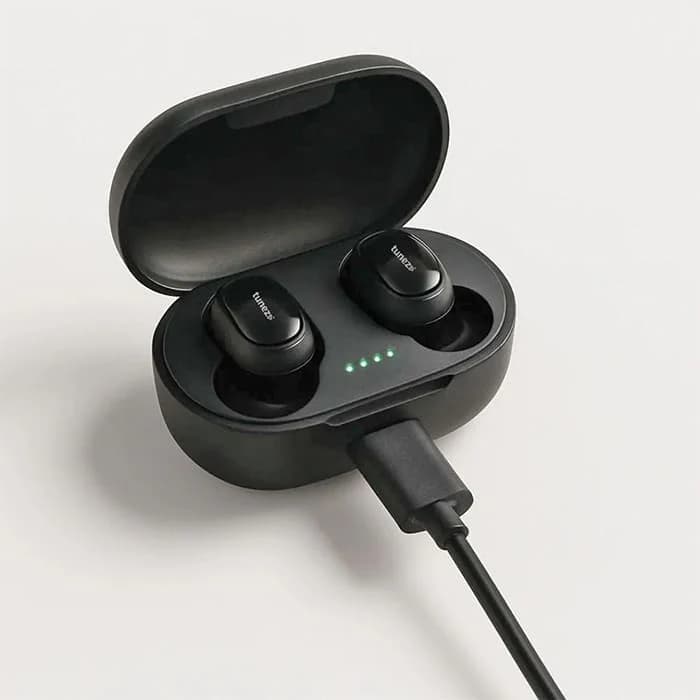
- Close the lid. Look for a charging LED on the buds or the case.
- Wait. Many apps show live battery levels for each bud and the case.
Charge the case by cable
- Use the supplied cable if you have it.
- Plug into a 5V USB port or a trusted wall adapter.
- Watch the case LED. It will show charging, then turn solid or off when full.
Charge the case on a wireless pad (if supported)
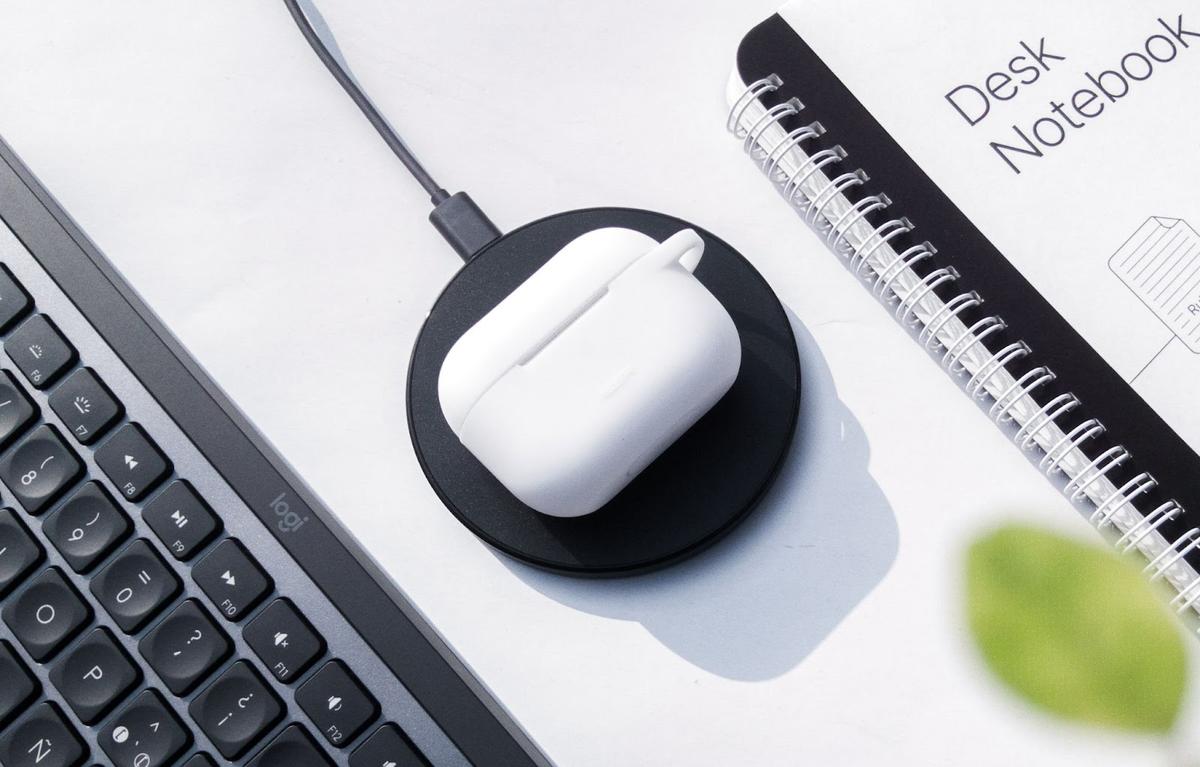
- Center the case on a Qi pad, logo side up, lid closed.
- Confirm the pad’s light turns on.
- If it blinks or cycles, re-center the case.
Verify charge status
- Use the brand’s app for exact percentages.
- LEDs often blink while charging and turn solid at full.
Mistakes to avoid
- Do not leave ear tips or debris blocking the contact pins.
- Do not force the buds in the wrong slots.
- Do not charge a wet case or wet earbuds. Dry them first.
Charging the Case: Cable vs Wireless Pads
People often ask how do you charge wireless earbuds faster. Cable charging is usually quicker and cooler. Wireless pads add ease but can be slower.
Cable charging
- Faster and more efficient than Qi pads.
- Works well with a 5V/1A or 5V/2A USB adapter.
- Good for travel with a power bank.
Wireless pad charging
- Very convenient on a desk or nightstand.
- Can be 20–40% slower and warmer than cable.
- Needs careful placement for steady contact.
Pro tip from the field: I keep a short USB-C cable in my bag for fast top-ups. At home, the case lives on a Qi pad for simple daily use.

Reading Lights and Charge Indicators
To master how do you charge wireless earbuds safely, learn the light codes. Each brand is a bit different, but patterns are common.
Typical LED meanings
- Blinking amber or red: charging in progress or low battery.
- Solid green or white: fully charged.
- Rapid blink: error, misalignment, or firmware issue.
- No light: asleep, full, or no power. Open the lid or press the button.
Sound and app cues
- Many buds chime when docked.
- Apps often show Left, Right, and Case percentages.
When in doubt, reseat the buds and close the lid for 10 seconds. Lights should update.
Battery Health and Safety Best Practices
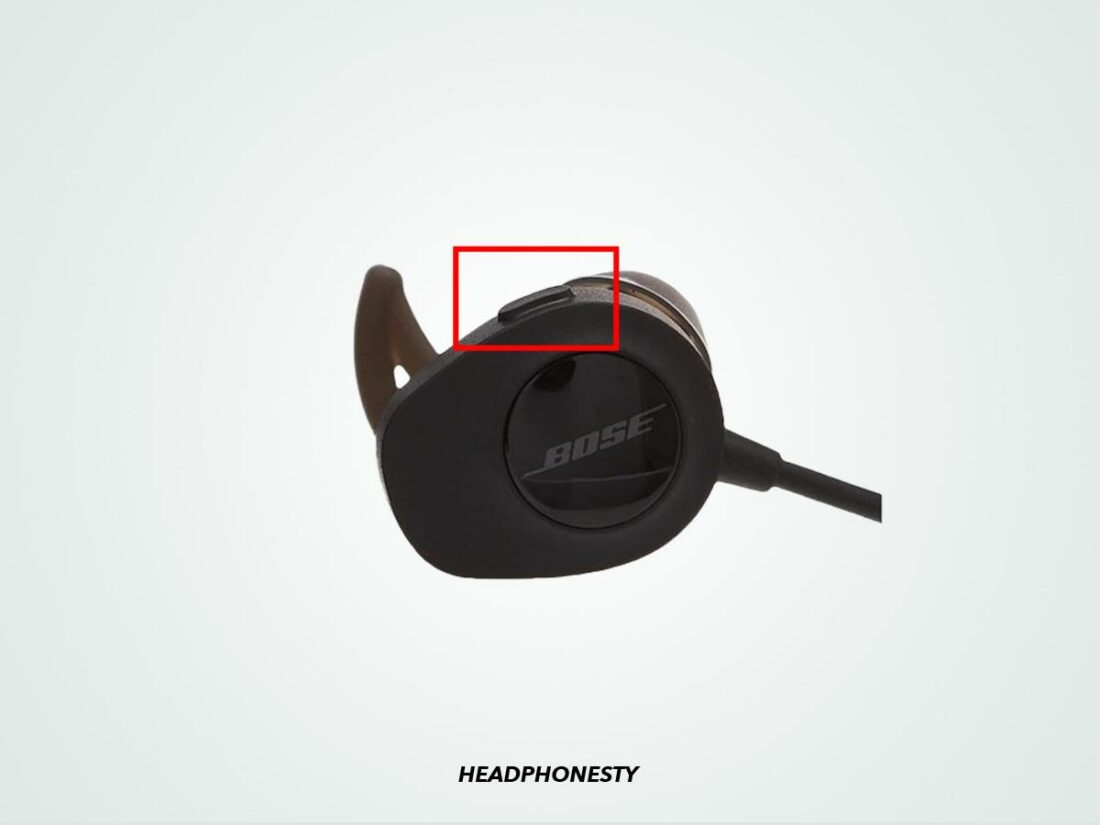
Battery care is the long game. It keeps your buds going strong and protects your investment.
Keep the battery happy
- Avoid full drains. Charge when near 20–30%.
- Partial charges are fine. Lithium cells prefer them.
- Keep charging at room temperature. Heat ages batteries.
- Store long term at about 40–60% charge, lid open in a dry place.
Clean for solid contact
- Wipe pins and magnets with a dry cotton swab.
- Remove earwax or lint from the slots.
- Never use liquid cleaners inside the case.
Choose safe chargers
- Use reputable, UL-listed adapters and cables.
- A phone charger is fine. The case draws what it needs.
- Skip cheap, untested chargers. They can overheat or fail.
I learned the hard way that sweat plus a hot car is a bad mix. Let the earbuds air out after workouts. Then dock them once dry.

Troubleshooting Common Charging Problems
If you still ask how do you charge wireless earbuds when they refuse to fill, try this quick fix list.
One earbud won’t charge
- Reseat the earbud and check the pins for dirt.
- Swap the buds’ slots if the case allows it to isolate the issue.
- Update firmware and reboot the case if there is a button or reset method.
Case won’t charge
- Test with a different cable and a different USB port.
- Clean the case port with a dry, soft brush.
- If wireless, move the case to the center of the pad.
Overheating or slow charge
- Switch from a Qi pad to a cable.
- Charge in a cooler room and away from sun.
- Remove any phone stacked on the pad to avoid interference.
Water or sweat exposure
- Do not charge wet devices.
- Air-dry buds and case fully. Silica gel packets help.
- Look for a moisture warning light or app alert, if supported.
If none of these help, the battery may be at end of life. Most cases support a battery swap only through service.
Pro Tips, Brand Notes, and Real-World Use
How do you charge wireless earbuds on the go? Use a compact power bank and a 0.5 ft cable. It saves you at airports and during long calls.
Brand-specific nuggets
- AirPods and Beats: cases now often use USB-C; MagSafe can help align on pads.
- Galaxy Buds: many Samsung phones offer reverse wireless charging. Center the case on the phone.
- Sony WF and Jabra: their apps show per-bud health and can push firmware that improves charging logic.
Travel and daily routine
- Keep buds in the case when not in use. They charge and stay safe.
- Top up the case every few days instead of waiting for empty.
- Avoid leaving the case on a hot dashboard or heater.
By building a small routine, you will never wonder how do you charge wireless earbuds before a meeting or workout again.

Frequently Asked Questions of how do you charge wireless earbuds
Can I use my phone charger to charge the case?
Yes. A standard 5V USB phone charger works well. The case limits the current it draws for safety.
Is it safe to leave the case plugged in overnight?
Yes for most models. Modern charging chips stop at full. If the case or buds feel hot, unplug and let them cool.
How long do earbuds and the case take to charge?
Earbuds usually fill in 1–2 hours. Cases often take about 2 hours by cable and longer on a Qi pad.
Can I charge earbuds without the case?
Usually no. Most earbuds need the case for power and alignment. A few rare models have direct ports, but that is not common.
Why does one earbud not charge or drain faster?
It can be the “primary” bud that handles Bluetooth. Clean contacts, reseat, and check firmware. Swap sides to test if the issue follows the bud.
Do wireless charging pads harm the battery?
No when used as intended. They can run warmer and slower, so alternate with cable charging to reduce heat.
What should I do if the LEDs never light up?
Try another cable and adapter, then reset the case if possible. If lights stay off, the case battery or port may need service.
Conclusion
Charging your earbuds is simple once you know the system. Dock the buds in a clean case, choose cable or Qi for the case, watch the lights, and keep things cool and dry. With these habits, you will extend battery life and avoid last-minute stress.
Put these steps into your daily routine today. If you found this helpful, subscribe for more practical tech guides or share your own tips in the comments.