
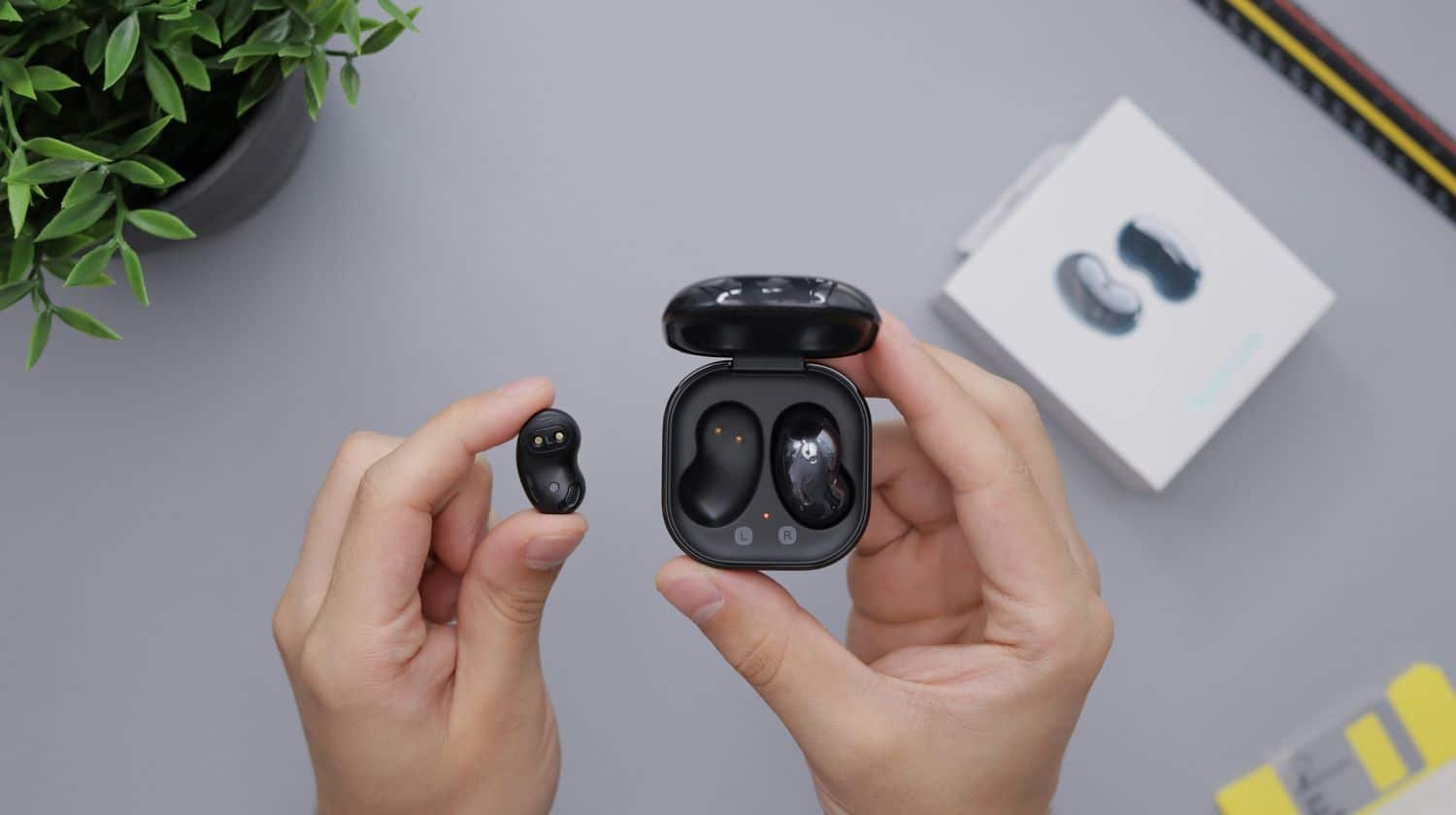
Open your phone’s Bluetooth, enter pairing mode, select your earbuds to connect.
You came for a quick fix, and you’ll get it. But stay for a masterclass on how to connect wireless earbuds to phone with zero stress. I’ve helped hundreds of people pair every kind of earbuds to every kind of phone. In this clear guide, you’ll learn how to connect wireless earbuds to phone fast, avoid common mistakes, and get better sound every day.
:max_bytes(150000):strip_icc()/daniel-romero-K63lOA4Ijyk-unsplash-6af16d68e2854c9780289b40759969f0.jpg)
Source: lifewire.com
How Bluetooth pairing works in plain English
Bluetooth is a short-range radio link that lets devices talk. Your phone scans for nearby devices. Your earbuds broadcast that they are ready. When you tap their name, both sides share keys and save a trusted bond.
Modern earbuds use Bluetooth 5 and newer. That helps with range, speed, and lower power use. Some brands add quick-pair tech, like Fast Pair on Android or instant setup for AirPods. These features speed things up, but the core steps stay the same.

Source: youtube.com
Step-by-step: how to connect wireless earbuds to phone on iPhone and Android
Let’s keep it simple. This section shows how to connect wireless earbuds to phone on both platforms. Follow the steps for your device.
iPhone (iOS)
- Put earbuds in the case. Open the lid. Hold the pairing button until the light flashes.
- On iPhone, open Settings, then Bluetooth. Turn Bluetooth on.
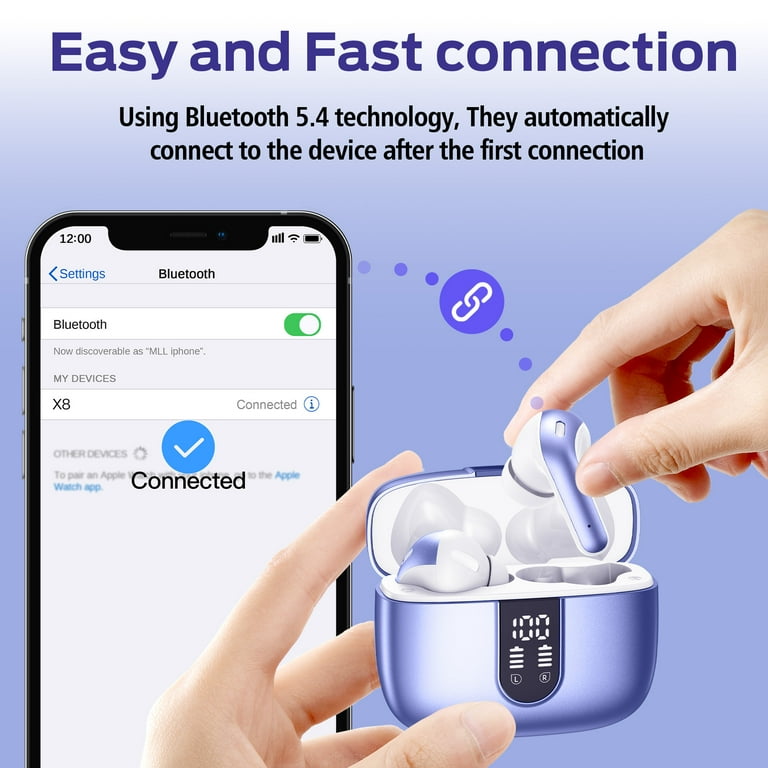
- Wait for your earbuds to show up. Tap their name to connect.
- If asked, allow contacts and audio. You are set.
Tip: AirPods pop up a setup card. Just open the case near your iPhone and follow the screen.
Android (Samsung, Google, OnePlus, and more)
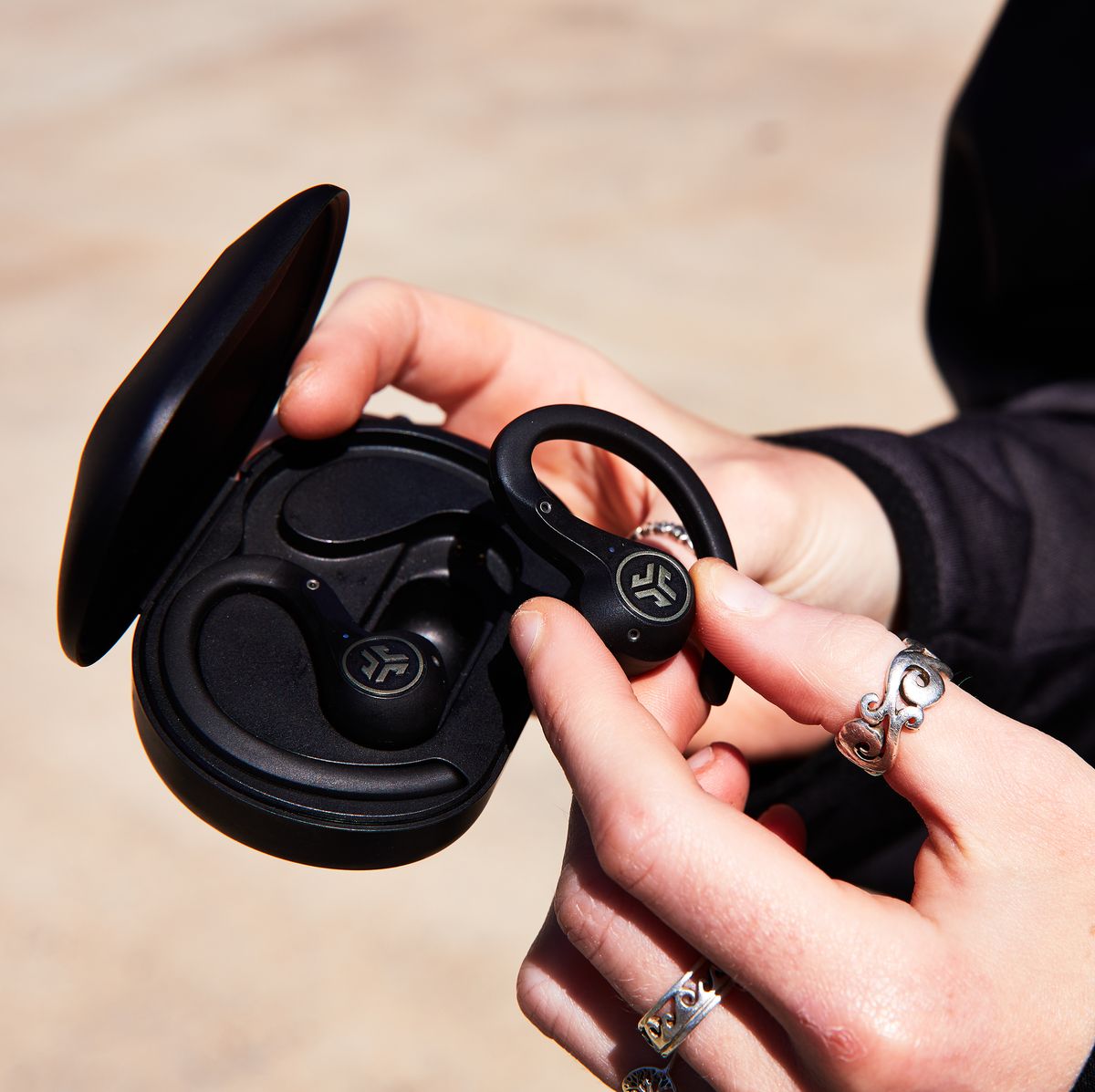
- Put earbuds in pairing mode. This is often a button on the case or a touch-and-hold on the buds.
- On your phone, open Settings, then Bluetooth. Turn Bluetooth on. Tap Pair new device.
- Pick your earbuds from the list. Confirm any code if asked.
- Allow audio access. Done.
Tip: Many Android phones support Fast Pair. You will see a prompt as soon as the case opens near your phone.
Source: runnersworld.com
Brand-specific pairing tips that save time
Every brand has a small twist. Here is how I handle the most common models when showing people how to connect wireless earbuds to phone.
Apple AirPods and Beats
- Open the case near your iPhone. Tap Connect on the card.
- For Android or other phones, put the case in pairing mode by holding the back button until it flashes white. Then pair in Bluetooth settings.
Samsung Galaxy Buds
- Open the case near a Samsung phone to see a pop-up.
- For other Android phones, open Galaxy Wearable, then pair. If the app is not installed, use standard Bluetooth pairing.
Sony WF series
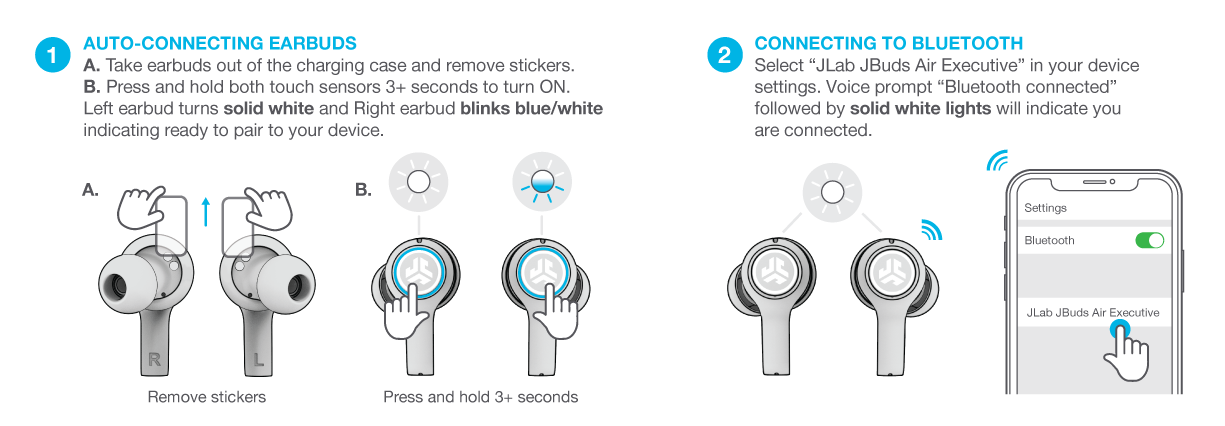
- Put both buds in your ears. Hold both touch panels until you hear “Bluetooth pairing.”
- Use the Sony Headphones app for updates and EQ.
Bose QuietComfort and Earbuds series
- Use the Bose Music app to guide setup. It also handles firmware.
- To reset pairing, hold the Bluetooth button on the case until the light blinks blue.
Jabra Elite series
- Hold both buds for a few seconds until purple or blue light blinks.
- Open the Jabra Sound+ app for fit test and updates.
src=”https://i.ytimg.com/vi/KxFTGkKFwlQ/hq720.jpg?sqp=-oaymwEhCK4FEIIDSFryq4qpAxMIARUAAAAAGAElAADIQj0AgKJD&rs=AOn4CLAOhKmZD1cUpxPmI1BzUxzh1ct1vA”
alt=”Fix common problems when your earbuds will not connect”
style=”max-width: 100%; height: auto; border: 2px solid black; border-radius: 10px; display: block; margin: 0 auto;”
loading=”lazy”
/>
Source: youtube.com
Fix common problems when your earbuds will not connect
Sometimes things just will not link. Here is how to connect wireless earbuds to phone when it keeps failing.
- Charge everything first. Low battery blocks pairing.
- Toggle Bluetooth off and on. Then try again.
- Forget the device in Bluetooth settings. Then pair fresh.
- Reset the earbuds. The method varies by brand. Check the manual or app.
- Update firmware in the brand’s app.
- On Android, clear Bluetooth cache. Go to Settings, Apps, Show system, Bluetooth, Storage, Clear cache.
- Check location permission on Android. Some scans need it on to find devices.
- Move away from Wi‑Fi routers and microwaves. They can add noise on 2.4 GHz.
- Disable multipoint if the buds keep grabbing another device first.
- For calls, make sure Call audio is enabled for the earbuds in Bluetooth settings.
My field tip: If nothing works, reboot both phone and case. Then pair with the case open, buds inside, and the phone on the Bluetooth page. Timing matters more than you think.

Source: runnersworld.com
Get better sound, battery life, and range
Once you know how to connect wireless earbuds to phone, aim higher. Small tweaks make a big jump in quality.
- Fit first. Use the right ear tip size so bass is full and noise stays out.
- Keep the case clean. Wipe contacts with a dry cotton swab.
- Turn off ANC when you do not need it. It saves power.
- In music apps, set streaming quality to high when on Wi‑Fi.
- Keep your phone on the same side pocket as your main earbud to avoid dropouts in crowds.
- Avoid extreme heat or cold. Batteries like comfort.
Source: tosushi.mx
Multipoint, codecs, and low latency explained
You may want to link to two devices at once. That is multipoint. It lets you take a call on your phone while music plays on a tablet. Not all earbuds support this, so check the specs.
Audio codecs are the language used to send sound. SBC is the base line that works everywhere. AAC is great for iPhone. aptX, aptX Adaptive, and LDAC can raise quality on many Android phones. LE Audio with LC3 is the new kid. It offers better power use and stable sound. Your phone and earbuds must both support a codec to use it.
For games or video, look for a Game mode or Low latency mode. It keeps lips in sync. If you still see delay, turn off multipoint and close extra Bluetooth devices nearby.
This is the part of how to connect wireless earbuds to phone that many skip. But when you match features, you get cleaner sound and fewer drops.

Source: youtube.com
Safety, updates, and care
Keep your ears and your gear safe.
- Listen at safe levels. If you hear ringing after use, lower volume next time.
- Keep firmware updated in the brand app. Updates fix bugs and improve sound.
- Rename your earbuds in Bluetooth settings. It helps you pick the right device fast.
- Before selling or giving away, factory reset the buds and clear them from your phone.
These steps round out how to connect wireless earbuds to phone in a smart, secure way.
Source: walmart.com
Frequently Asked Questions of how to connect wireless earbuds to phone
Why do my earbuds not show up in Bluetooth?
They may not be in pairing mode or they are too far away. Charge them, reset pairing mode, and keep the case open near your phone.
Can I connect the same earbuds to two phones?
Only if the earbuds support multipoint. Check the specs or the app, and turn on multipoint in settings.
How do I reset my wireless earbuds?
Most have a case button or touch combo to reset. Hold it for 10 to 15 seconds until lights flash, then pair again.
Do I need an app to connect?
You can pair in Bluetooth settings without an app. But the app helps with updates, EQ, and controls.
Which codec should I use for best sound?
On iPhone, AAC works best. On Android, try aptX, LDAC, or LC3 if both phone and earbuds support it.
How can I stop my earbuds from switching to my laptop?
Turn off multipoint or forget the earbuds on the laptop. You can also disable auto-connect on that device.
Will Bluetooth drain my battery fast?
Bluetooth is low power. Good earbuds and phones manage it well, and you can save more by turning off ANC when not needed.
How do I connect AirPods to an Android phone?
Put AirPods in pairing mode with the case button. Then connect in Bluetooth settings like any other earbuds.
Why is call audio poor even when music sounds fine?
Call audio may use a lower-bandwidth profile. Update firmware, keep your mic clear, and reduce wind and noise.
Can I improve range without new gear?
Keep a clear line of sight and reduce interference. Put your phone and main earbud on the same side of your body.
Conclusion
You now know how to connect wireless earbuds to phone, fix pairing snags, and tune sound like a pro. Start with the simple steps. Then use the tips here to get stable links, clear calls, and long battery life.
Try one improvement today. Update your buds, swap ear tips, or check your codec. When you are ready for more guides like this, subscribe and share your questions in the comments.



3 Comments