
Clean dust, improve airflow, tune fan curves, and manage power to keep temps low.
If you want to learn how to keep your PC cool while gaming, you are in the right place. I build and tune gaming rigs for a living. I test, I break, and I fix. In this guide, I’ll show real fixes, not myths. You will see how to keep your PC cool while gaming with clear steps, data-backed advice, and easy wins you can do today.

Source: apexgamingpcs.com
Why heat builds up when gaming
Games push the CPU and GPU close to their power limits. That extra power turns into heat. If heat cannot move out, your parts get hot fast.
Hot parts slow down to protect themselves. This is called thermal throttling. Frames drop. Fans scream. Knowing how to keep your PC cool while gaming helps you avoid that wall.
Your case, fans, and coolers move heat to the air. Room air must then carry it away. If any link is weak, temps spike. Think of it like a highway. One traffic jam will slow the whole line.
Source: technoidinc.com
Quick checks: low-cost ways to keep your PC cool while gaming
Start with basic steps. These cheap fixes help a lot.
- Clean dust from filters, heatsinks, and fans. Dust is a blanket that traps heat.
- Check fan direction. Front and bottom should pull air in. Top and rear should push air out.
- Give your case breathing room. Keep a few inches free at the front, sides, and top.
- Pop off a solid front panel during heavy sessions if airflow is poor. Many cases run cooler without it.
- Tidy cables so they do not block air paths.
- Update BIOS and GPU drivers. Fan and boost logic often improves with updates.
- Set a smarter fan curve in your motherboard app or BIOS. Keep it smooth to avoid noise spikes.
- Lower room temperature by a few degrees. Each degree helps a lot.
These fast steps show how to keep your PC cool while gaming without new parts.

Source: youtube.com
Airflow design 101: intake, exhaust, and pressure
Good airflow is the base. Here is how to build it right.
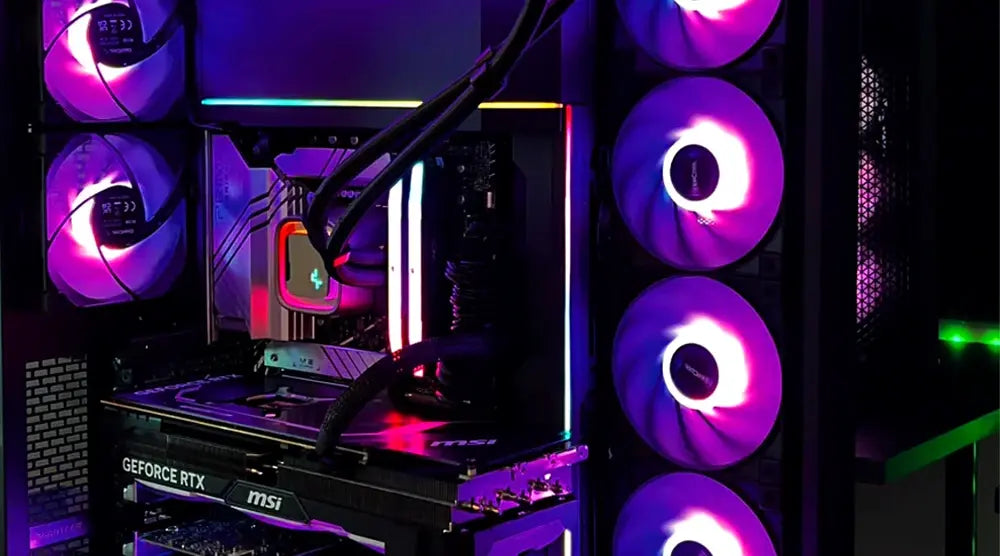
- Use front and bottom as intake. Use rear and top as exhaust. Hot air rises, so top exhaust helps a lot.
- Aim for slightly positive pressure. That means more intake than exhaust. This reduces dust and helps even airflow.
- Place intakes where cool air is. Bottom intakes can feed the GPU fresh air.
- Use fine mesh filters. Clean them often so they do not choke the fans.
- Keep a clean path from intake to GPU and CPU cooler. Avoid clutter and long cable runs.
Independent tests show mesh-front cases run cooler than solid fronts. The gain can be 5 to 10°C under load. That is a big win when you want to know how to keep your PC cool while gaming.
PAA quick answers:
- Should top fans be intake or exhaust? Use exhaust in most builds. It fits natural heat rise and helps pull hot air out.
- How many case fans do I need? Three to four is a sweet spot. More helps, but returns fade after that.
Fan selection and tuning that actually works
Fans are not all the same. Pick the right type and tune them well.
- Use static-pressure fans on radiators and tight filters. Use airflow fans on open fronts.
- Larger fans (140 mm) can move more air with less noise than 120 mm at the same speed.
- Use PWM fans for fine control. Motherboard headers with PWM allow smooth curves.
- Create a slow ramp fan curve. Avoid sharp jumps that cause loud bursts.
- Tune GPU fans with a curve editor in your GPU tool. Keep them steady under your normal game load.
A smart fan setup is a core part of how to keep your PC cool while gaming. It drops temps and cuts noise at the same time.
Source: enostech.com
CPU and GPU cooling upgrades
Stock coolers work, but they leave little headroom. Here is what to consider.
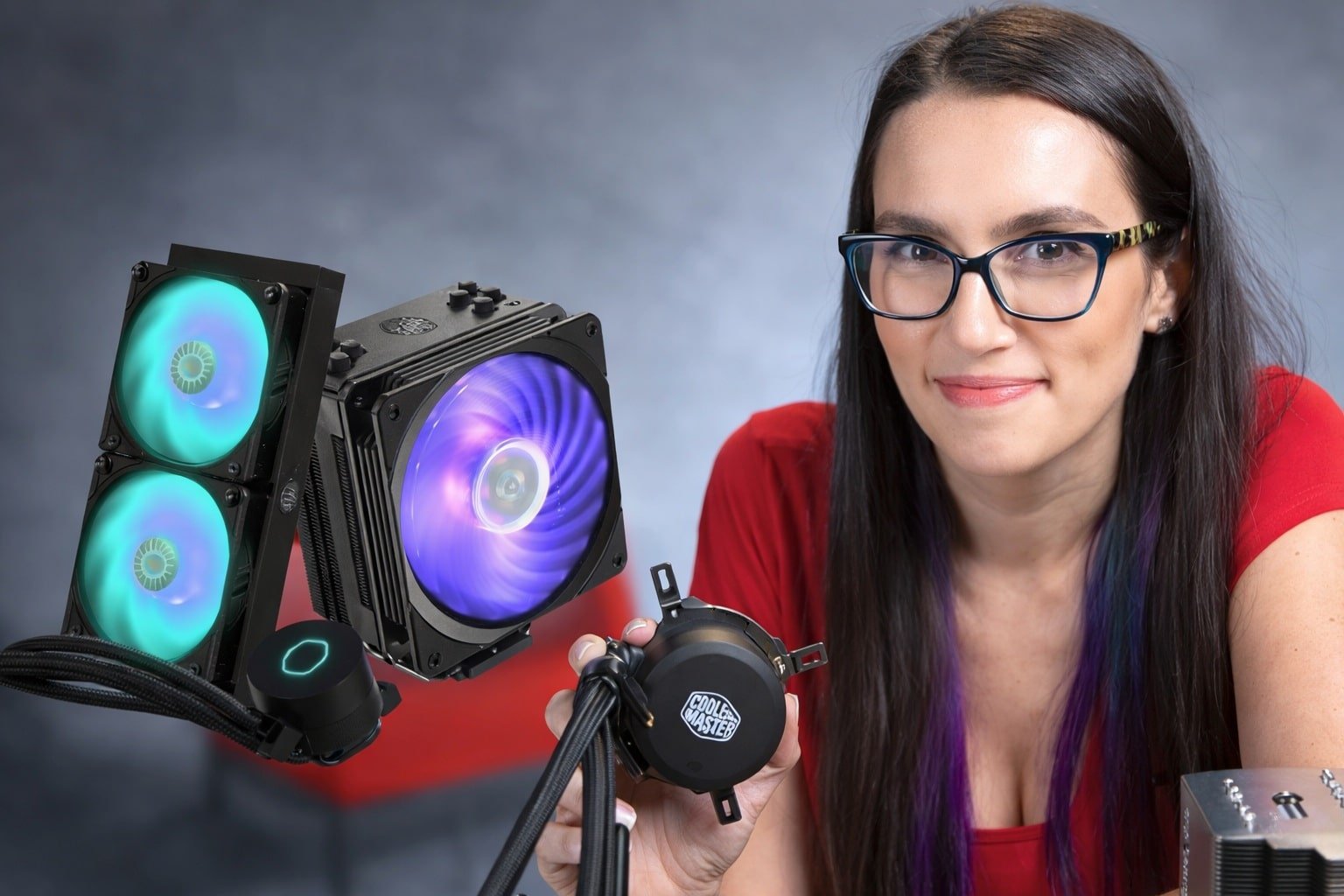
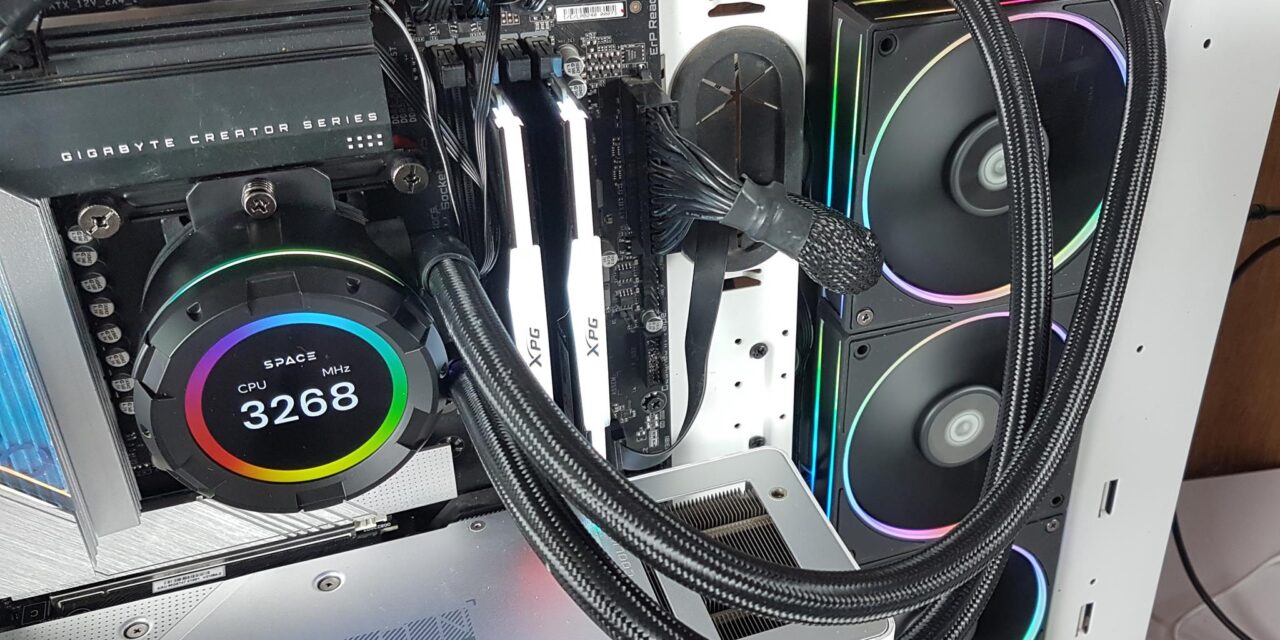
- CPU air coolers: A good tower cooler beats most stock units by a wide margin. Pick one that fits your case height.
- AIO liquid coolers: Great for high-core CPUs or small cases. Mount the radiator with tubes at the bottom when possible to help air stay out of the pump.
- GPU cooling: Clean the heatsink and refresh paste if it is old. Replace thermal pads on VRAM when needed. Add a case fan to feed the GPU fresh air.
These moves show how to keep your PC cool while gaming when stock parts fall short. Always check fit, warranty, and clearance before you buy.

Source: youtube.com
Thermal paste, pads, and proper mounting
Thermal paste fills tiny gaps between a chip and a cooler. Good contact moves heat fast.
- Use a pea-size dot for most desktop CPUs. For large chips, a thin spread works too.
- Do not overdo paste. Too much can spill and insulate rather than help.
- Replace paste every few years, or sooner if temps creep up.
- On GPUs, pad thickness matters. Match original sizes so pressure stays even.
- Tighten cooler screws in a cross pattern. Even force helps contact.
Good contact is an easy way to improve how to keep your PC cool while gaming. It is cheap and very effective.
Source: waltondigitech.com
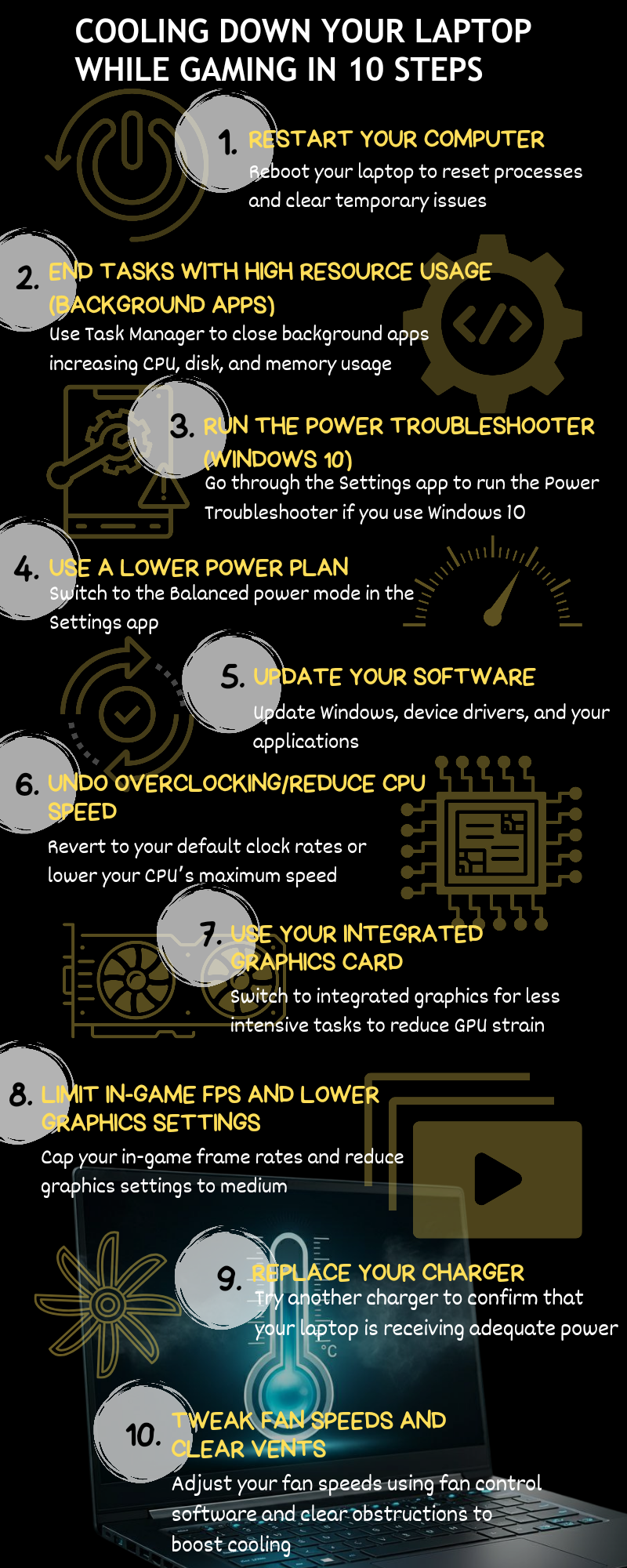
Undervolting and power limits for cool gains
Heat comes from power. Trim power and you cut heat fast with little loss.
- GPU undervolt: Use the curve editor to set lower voltage for your target clock. Many GPUs hold the same FPS at less heat.
- GPU power limit: Drop by 5 to 15 percent. Often you lose only 1 to 3 FPS but shed several degrees.
- CPU undervolt: Use BIOS or vendor tools. Modern chips allow offset or curve optimizer settings.
- Enable eco or balanced modes. These modes reduce spikes and smooth temps.
This is one of the best ways of how to keep your PC cool while gaming without new parts. Test for stability as you tune.
Source: auslogics.com
Case choice and layout that favor cool air
Your case sets the airflow stage.
- Choose a mesh-front case with room for at least three fans.
- Check GPU and cooler clearance. Tight fits starve airflow.
- Avoid solid glass fronts unless they have big side vents.
- Plan your layout. Keep the GPU near cool intake air.
- Vertical GPU mounts look great, but can trap heat near glass. Give space or add intake.
If you plan builds often, this is where you win. A good case makes how to keep your PC cool while gaming much easier.

Source: youtube.com
Room, desk setup, and ambient temperature
Your room is part of the cooling loop.
- Keep the case off thick carpet. It blocks bottom intake.
- Do not tuck the tower in a tiny cabinet. It will recycle hot air.
- Face front intakes toward open space. Avoid walls and curtains.
- In summer, aim a small room fan toward the case intake side.
- Lower ambient temp if you can. Every degree you drop helps.
These small steps matter when you think about how to keep your PC cool while gaming in real rooms, not labs.
Monitoring, testing, and safe limits
Measure, then fix. Guessing wastes time.
- Use tools to log temps, clocks, and fan speed while gaming.
- Stress the GPU with a looping game benchmark. Stress the CPU with a short test. Watch steady-state temps.
- Safe ranges vary by part. Many CPUs run fine up to the 80s under load. Many GPUs can handle 83 to 86°C. SSDs prefer below 70°C.
- Track frame time, not just FPS. Throttling shows as spikes in frame time.
Clear data makes how to keep your PC cool while gaming simple. You see what works and what does not.
Troubleshooting common heat problems
Here are fast fixes for the issues I see most.
- High GPU temps only: Add or speed up front intake. Clear the slot covers under the GPU. Clean GPU heatsink and fans.
- CPU spikes fast: Check cooler mount and paste. Set a smoother fan curve. Make sure the radiator or tower has clear intake air.
- Case heat soak: Increase exhaust speed a bit. Add a top exhaust. Reduce GPU power limit a touch.
- Random shutdowns: This can be a power or heat issue. Check dust, PSU airflow, and VRM temps. Log temps right before it shuts down.
Work the list, one step at a time. That is how to keep your PC cool while gaming without guesswork.
Budget playbook: $0, $50, $150
You can make gains at any budget.
- $0 budget
- Clean dust. Fix fan direction. Open front panel if needed.
- Undervolt GPU. Lower power limit by 10 percent.
- Make a better fan curve. Move the tower to breathe.
- About $50
- Add two quality 120 or 140 mm fans.
- Replace old thermal paste on the CPU.
- Add magnetic mesh to tight intakes.
- About $150
- Buy a mesh-front case or a strong tower cooler.
- Add a top exhaust fan and a quiet front intake.
- Refresh GPU pads and paste if out of date.
A staged plan shows how to keep your PC cool while gaming without wasting cash.
My field notes: wins, fails, and lessons
I once dropped a hot RTX 3080 into a glass-front case. It looked great but ran at 83°C. I swapped to a mesh case and added a bottom intake. It fell to 73°C at the same FPS. That is how to keep your PC cool while gaming with airflow alone.
I also learned the paste lesson the hard way. I used too much on a big CPU. Temps were worse. I cleaned and reapplied a small dot. Temps dropped by 6°C.
Another tip from builds: avoid wild fan curves. I had one that ramped hard at 70°C. It sounded like a jet then dipped and rose again. I set a slow ramp 10 to 20 percent per 10°C. The rig stayed cool and quiet. Small tweaks like this define how to keep your PC cool while gaming day to day.
Safety, warranties, and limits
A few notes to keep you safe and covered.
- Unplug the PC before you work inside. Touch the case to ground yourself.
- Some GPUs and laptops have seals. Breaking them can void support.
- Water cooling has more parts. Check fittings and mount with care.
- Do not press too hard on a GPU PCB when you clean it.
- If temps are normal but crashes remain, it may not be heat.
Know the risks, and you will use how to keep your PC cool while gaming with confidence and care.
Frequently Asked Questions of how to keep your pc cool while gaming
How often should I clean my PC for better cooling?
Every two to three months is a good rule. Clean more often if you live with pets or in a dusty area.
Will undervolting reduce my gaming performance?
Not much, if tuned right. Most GPUs hold similar FPS at a lower voltage with better temps and noise.
Is liquid cooling always better than air cooling?
No. A good air cooler can match a mid AIO. Space, noise goals, and case airflow should guide your choice.
Does placing the PC on the floor hurt cooling?
It can, if the floor is carpeted or dusty. Use a stand or ensure the bottom intake is clear.
Are higher RPM fans always better?
Higher RPM moves more air but adds noise. Larger, quality fans at lower RPM often cool better with less sound.
Should I remove the side panel to cool my PC?
It can help in a pinch, but it breaks airflow design. A better fix is to add intake and improve fan curves.
What is a safe GPU temperature while gaming?
Most modern GPUs are safe in the low to mid 80s. Aim for the 70s if you can for less noise and more boost headroom.
Conclusion
Cooling is simple when you break it down. Clean dust. Fix airflow. Tune fan curves. Undervolt and right-size power. Upgrade where it counts. That is how to keep your PC cool while gaming in any room, on any budget.
Try one change today and log the results. Small wins add up to big gains. If this helped, share your temps, ask a question, or subscribe for more build guides and deep dives.





2 Comments