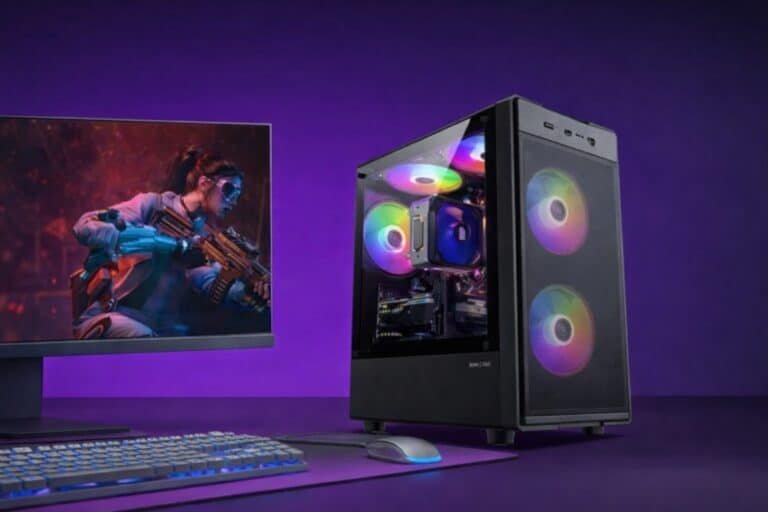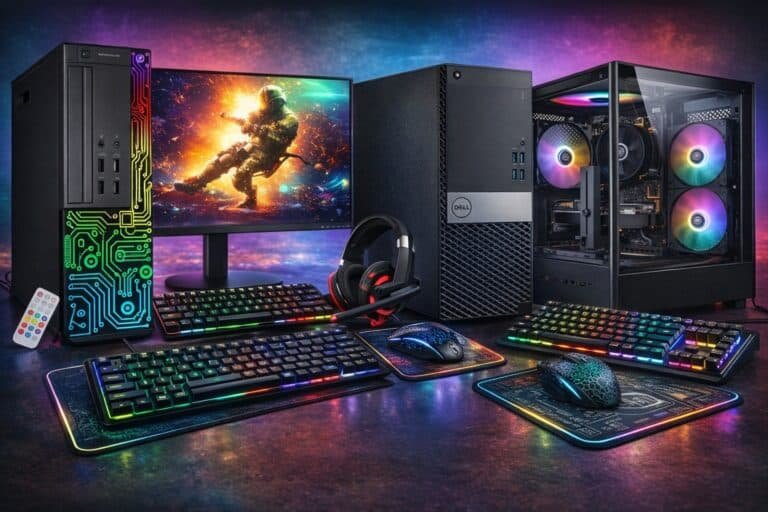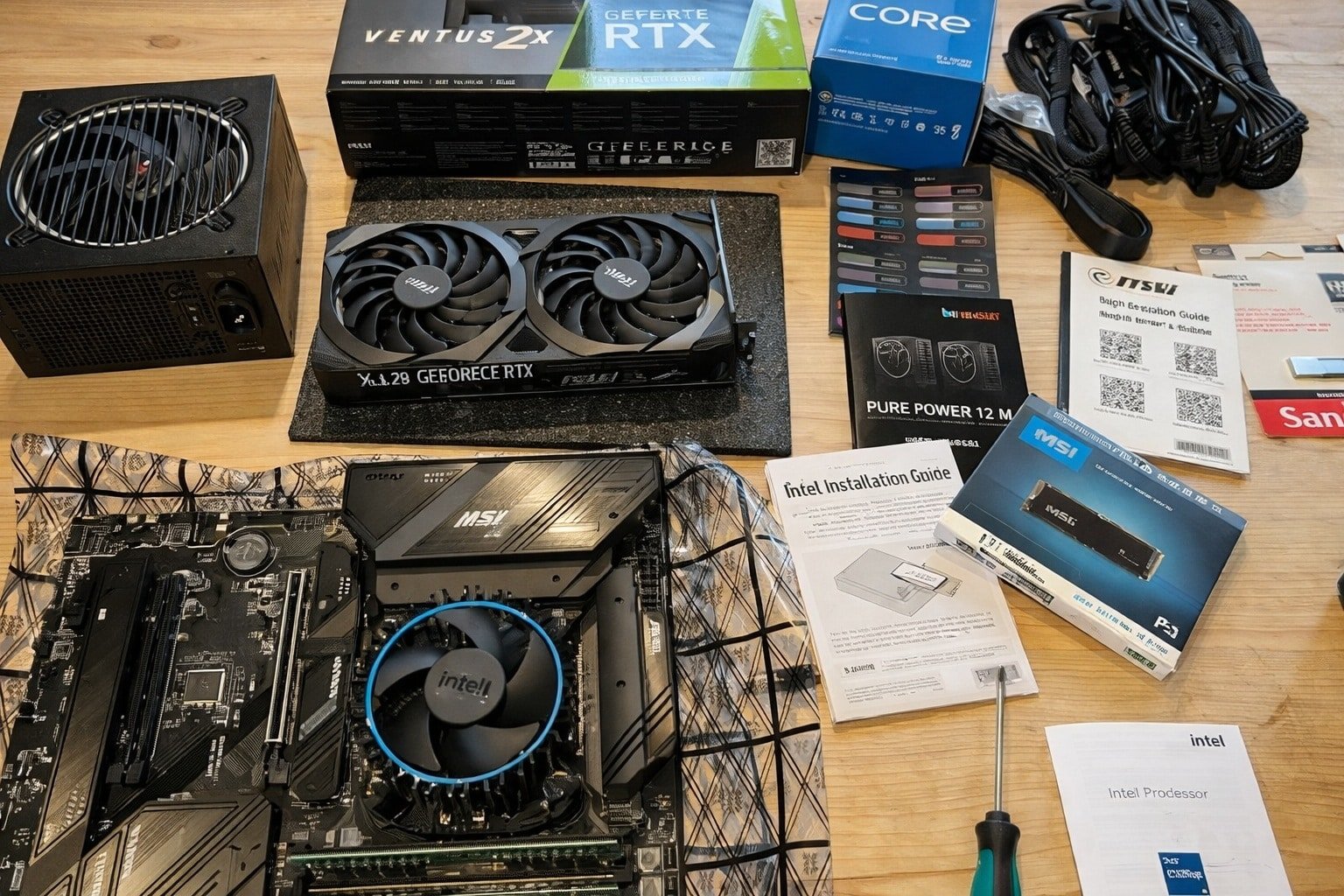
Pick compatible parts, assemble carefully, install Windows, update drivers, optimize settings.
If you want to learn how to build a pc for gaming, you are in the right place. I have built rigs for esports, VR, and 4K work and play. In this guide, I explain parts, choices, steps, and fixes. You will get clear tips, real examples, and expert checks you can trust.
Source: theguardian.com
Set your goals and budget
Start with your target resolution and refresh rate. Do you want 1080p at 144 Hz, 1440p at 165 Hz, or 4K at 120 Hz? Match your parts to the games you play and the screen you own.
Pick a budget range. Entry builds run most games at 1080p. Mid-range handles 1440p. High-end can drive 4K and ray tracing. Plan for Windows and a monitor if you need them.
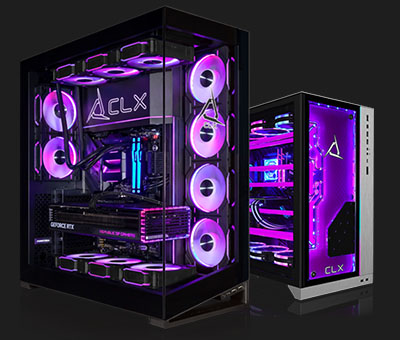
Decide on your upgrade path. Keep room for a stronger GPU later. Leave two RAM slots open if you can. This makes how to build a pc for gaming more flexible over time.
Source: clxgaming.com
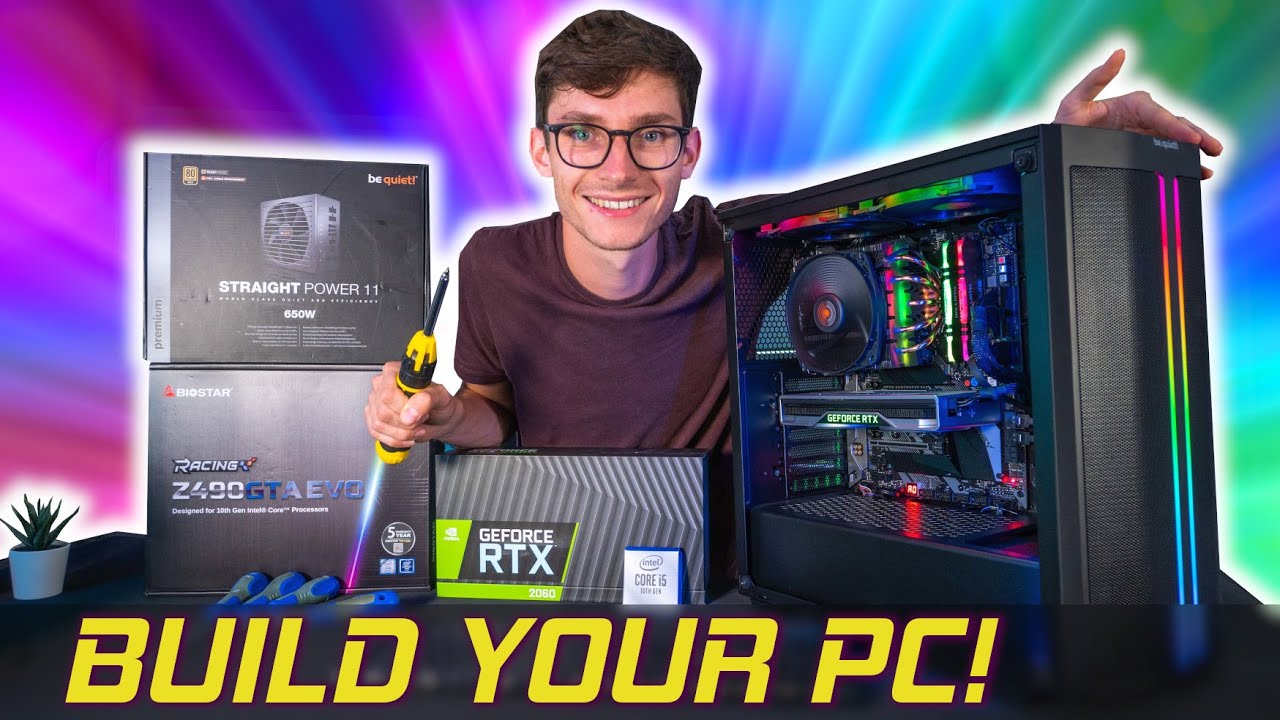
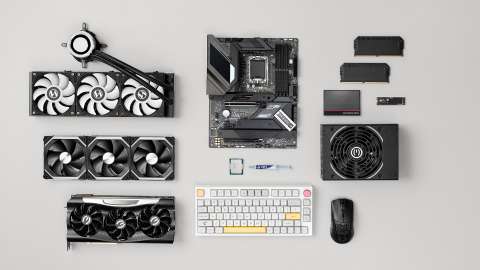
The parts you need and what each does
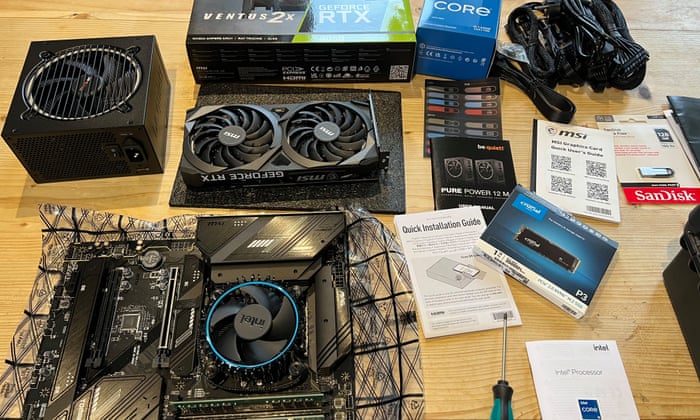
CPU. Runs the game logic and helps the GPU feed frames. Great gaming picks include modern 6 to 8 core chips.
GPU. Draws the frames. This is the most important part for games.
Motherboard. Holds and links all parts. Choose the right socket and size. ATX has more slots. mATX and ITX are smaller.
Memory (RAM). 16 GB is the floor. 32 GB is ideal now for new titles.
Storage. Use NVMe SSDs for fast loads. A 1 TB drive is a good start.
Power supply (PSU). Choose quality first. Look for 80 Plus ratings and the right wattage. Modular cables keep the case neat.
Case. Airflow matters. Mesh fronts and two or more fans help temps.
Cooling. A good air cooler is quiet and cheap. AIO liquid coolers can help with high heat chips.
Peripherals. A 144 Hz monitor makes games feel smooth. A good mouse and keyboard help aim and speed.
Understanding these basics is key to how to build a pc for gaming that fits your needs.
Source: youtube.com
Choose parts and check compatibility
Match the CPU to the motherboard socket. For example, pair AM5 CPUs with AM5 boards. Check RAM type and speed. Most new boards use DDR5.
Check the GPU size and case clearance. Some cards are very long and thick. Make sure the case supports them. Confirm the PSU can power the GPU. Use the vendor’s wattage guide and add headroom.
Plan storage layout. Many boards have two to four M.2 slots. Check which slots share lanes with SATA. Read the manual notes.
Use a part picker tool to check for fit and power draw. It reduces guesswork in how to build a pc for gaming and saves time.
Source: co.uk
Step-by-step assembly
- Prepare your space. Work on a clean table. Touch metal to discharge static.
- Install the CPU on the motherboard. Align the triangle. Do not force it.
- Add the NVMe SSD. Use the standoff and screw. Remove the slot shield if needed.
- Install RAM in the right slots. Use the board manual for the best lanes.
- Mount the CPU cooler. If it lacks paste, add a pea-sized dot in the center.
- Place the I/O shield in the case if it is not built in.
- Install case standoffs. They should match the board holes.
- Seat the motherboard in the case. Screw it in with light, even pressure.
- Mount the power supply. Fan side down if the case has a vent at the bottom.
- Run the 24-pin and CPU 8-pin cables to the board. Route them behind the tray.
- Slide the GPU into the top PCIe slot. Add screws at the bracket.
- Connect front panel cables. Power switch, reset, audio, USB, and Type-C. Use the manual map.
- Add case fans. Front as intake. Top and rear as exhaust. Plug them into fan headers.
- Double-check all plugs. GPU power, CPU power, and fans are easy to miss.
- Close panels, plug into the wall, and flip the PSU switch on.
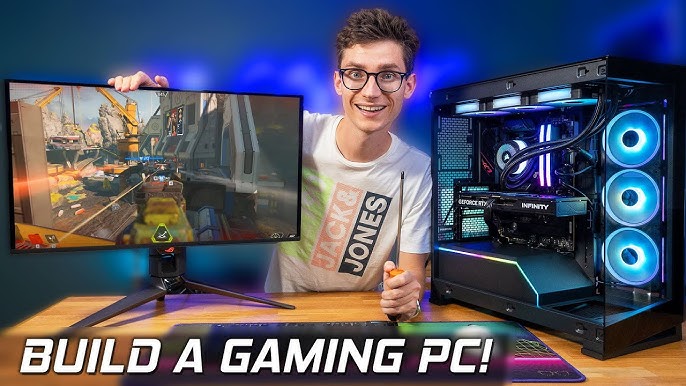
Take your time. In my early days, I forgot standoffs once. The board shorted and would not boot. Small checks like these shape how to build a pc for gaming the right way.
Source: youtube.com
First boot, BIOS setup, and installing Windows and drivers
On first power, enter BIOS. Update to the latest version. Turn on XMP or EXPO so your RAM runs at rated speed. Set fan curves for quiet cooling.
Enable Resizable BAR or Smart Access Memory if supported. This can add a few percent of frames. Set your boot drive to the NVMe SSD.
Install Windows from a USB drive. Then install drivers. Start with the chipset and LAN from the board maker. Then install GPU drivers. Update the monitor firmware if the maker offers one. These steps finish the base of how to build a pc for gaming.
Source: businessinsider.com
Optimize your gaming performance
Tune game presets to your target frame rate. Use DLSS, FSR, or XeSS when you GPU limit. They raise frames with small quality loss at high res.
Use a frame rate cap near your monitor’s refresh. Turn on G-Sync or FreeSync. This cuts tearing and stutter.
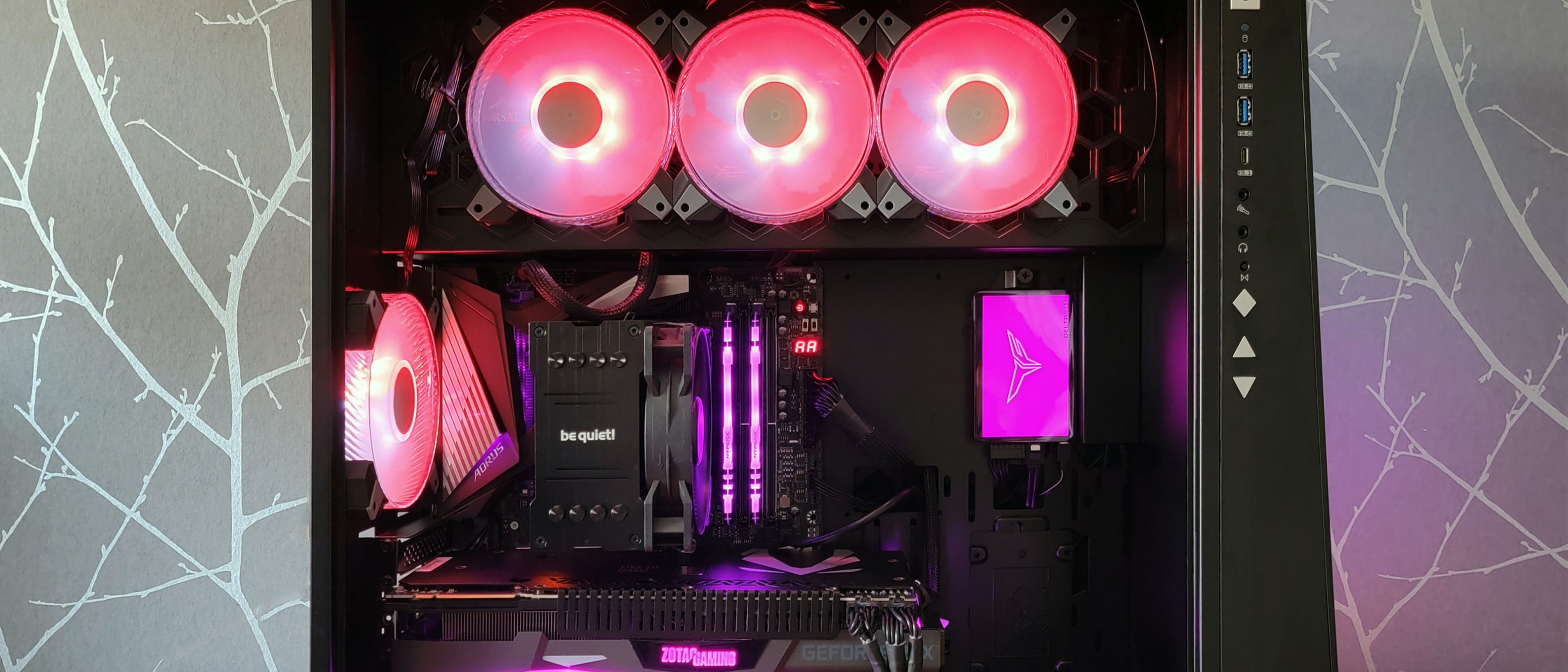
Monitor temps and clocks. Tools can show CPU and GPU load. Adjust fan curves to balance noise and heat. Try a small GPU undervolt for cooler and quieter play. It often keeps the same frame rate.
Keep drivers current. Read patch notes to see if your game gains speed. This habit is core to how to build a pc for gaming that stays fast.
Source: tomshardware.com
Common mistakes to avoid and easy fixes
- Not seating RAM or GPU fully. Reseat until you hear or feel a click.
- Too much or too little thermal paste. A pea-sized dot is enough.
- Forgetting the 8-pin CPU power plug. The system will not post without it.
- Wrong standoff layout. Extra standoffs can short the board. Match holes exactly.
- Poor airflow. Use a front-to-back flow. Avoid mixing intake and exhaust at the front.
I once chased a “dead” PC for hours. The fix was a loose front panel power plug. Trace cables before you swap parts. Calm checks are part of how to build a pc for gaming without stress.

Source: primetechsupport.com
Example builds by budget
Starter 1080p build
- CPU: Modern 6-core option
- GPU: Mainstream card with 8 GB VRAM
- RAM: 16 GB DDR5
- Storage: 1 TB NVMe
- PSU: 550–650 W, 80 Plus Bronze or better
- Case: Airflow mesh mid-tower
Balanced 1440p build
- CPU: Strong 6 to 8 core chip
- GPU: Upper-mid card with 12 GB VRAM
- RAM: 32 GB DDR5
- Storage: 1 TB NVMe + 2 TB SATA or NVMe
- PSU: 650–750 W, 80 Plus Gold
- Case: Mesh front with at least three fans
High-end 4K and creation build
- CPU: 8 to 12 core chip
- GPU: High-end card with 16–24 GB VRAM
- RAM: 32–64 GB DDR5
- Storage: Two NVMe drives for OS and games
- PSU: 850–1000 W, 80 Plus Gold or Platinum
- Case: Roomy tower with strong airflow or 360 mm AIO support
These tiers show how to build a pc for gaming that matches goals and cost. Pick parts by need, not just price.
Source: youtube.com
Maintenance and upgrade roadmap
Dust the case every few months. Clean filters with a soft brush. Keep temps low to extend part life.
Update BIOS and drivers with care. Read notes and back up your files. Only update when there is a fix you need.
Plan upgrades by bottleneck. If frames are low at the same CPU use, upgrade the GPU. If you stream and multitask, upgrade RAM and CPU. Wise upgrades are a big part of how to build a pc for gaming that lasts.
Safety, noise, and cable management tips
Work with the power off when you swap parts. Touch the case often to discharge static. Do not build on carpet.
Use short cable runs and tie them behind the tray. Clear paths improve airflow. Fewer bends mean better flow and less noise.
Choose quiet fans with fluid bearings. Place intake dust filters. A quiet rig is one you enjoy daily. These small steps finish how to build a pc for gaming with polish.
Frequently Asked Questions of how to build a pc for gaming
What tools do I need to build a gaming PC?
A Phillips screwdriver, thermal paste if your cooler lacks it, and zip ties. A USB drive for Windows and a flashlight also help.
How long does a first build usually take?
Plan for two to four hours, plus time for Windows and drivers. Go slow, read manuals, and double-check each step.
Is 16 GB of RAM enough for gaming in 2026?
It works for many games, but 32 GB is safer now. New titles and background apps run smoother with more headroom.
Should I choose Intel or AMD for gaming?
Both are great. Pick based on price, platform features, and upgrade plans that fit how to build a pc for gaming for you.
How much wattage do I need for my PSU?
Add the CPU and GPU draw and include 30% headroom. Aim for a reliable 80 Plus unit from a trusted brand.
Do I need liquid cooling?
Not always. A good air cooler is quiet and strong for many CPUs. Liquid helps with hotter chips or tight cases.
How important is case airflow?
Very important. Better airflow lowers temps, reduces noise, and can add stable frames in long sessions.
Conclusion
You now know how to build a pc for gaming from plans to polish. Set goals, choose parts that fit, assemble with care, and tune for smooth frames. Keep the system clean and updated, and it will serve you for years.
Start your parts list today. Build at your pace. Share your questions or your finished rig in the comments, and subscribe for more step-by-step guides.