
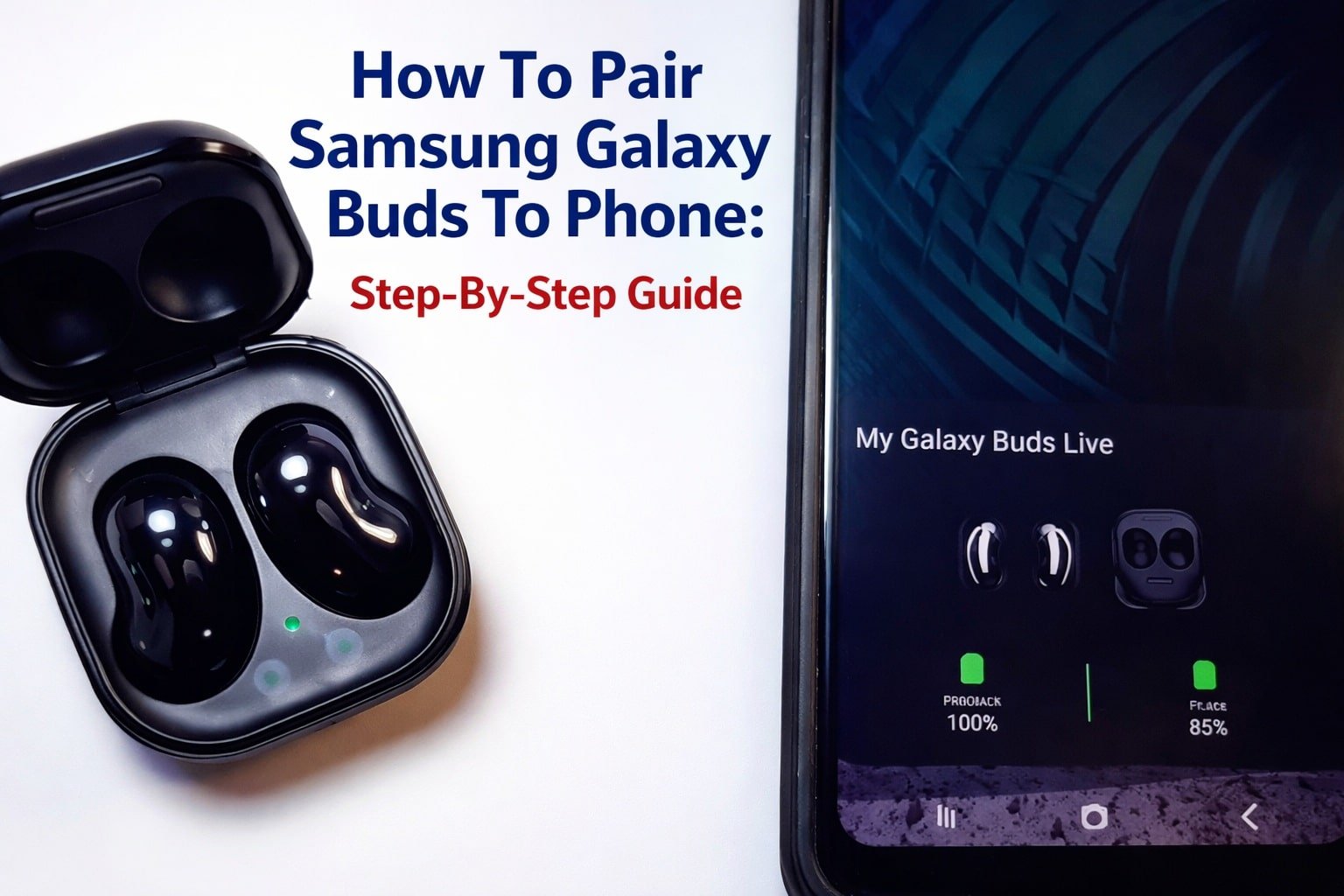
Open the case, turn on Bluetooth, and tap your Galaxy Buds to connect.
If you want a clean, reliable guide on how to pair samsung galaxy buds to phone, you are in the right place. I test earbuds weekly and help people fix pairing pain points every day. This walkthrough covers every phone type, every Buds model, and real fixes I use in the field. Stick with me and you will master how to pair samsung galaxy buds to phone in minutes.
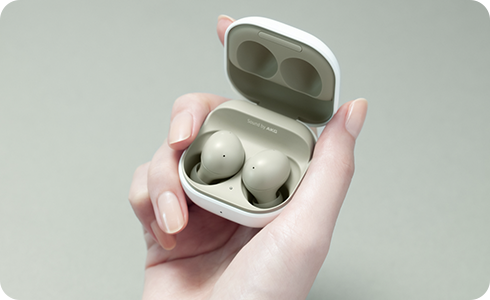
What you need before you start
Before we get into how to pair samsung galaxy buds to phone, make sure a few basics are in place. These save you time and prevent random errors.
- Charge the case and earbuds to at least 30 percent.
- Keep the case open and buds inside when starting the first pairing.
- Turn on Bluetooth on your phone.
- Update your phone’s OS if an update is pending.
- If the buds were paired to another device, disconnect them there first.
Supported models include Galaxy Buds, Buds+, Buds Live, Buds Pro, Buds2, Buds2 Pro, and Buds FE. Any modern Android or iPhone with Bluetooth works. You only need the Galaxy Wearable app on Android for full features and updates. This is the clean base for how to pair samsung galaxy buds to phone.

Pair Galaxy Buds to a Samsung Galaxy phone
This is the smoothest path and my daily method. If you came here to learn how to pair samsung galaxy buds to phone on a Galaxy device, start here.
Method 1. Use the instant pop-up
- Turn on Bluetooth.
- Place both earbuds in the case. Keep the lid open.
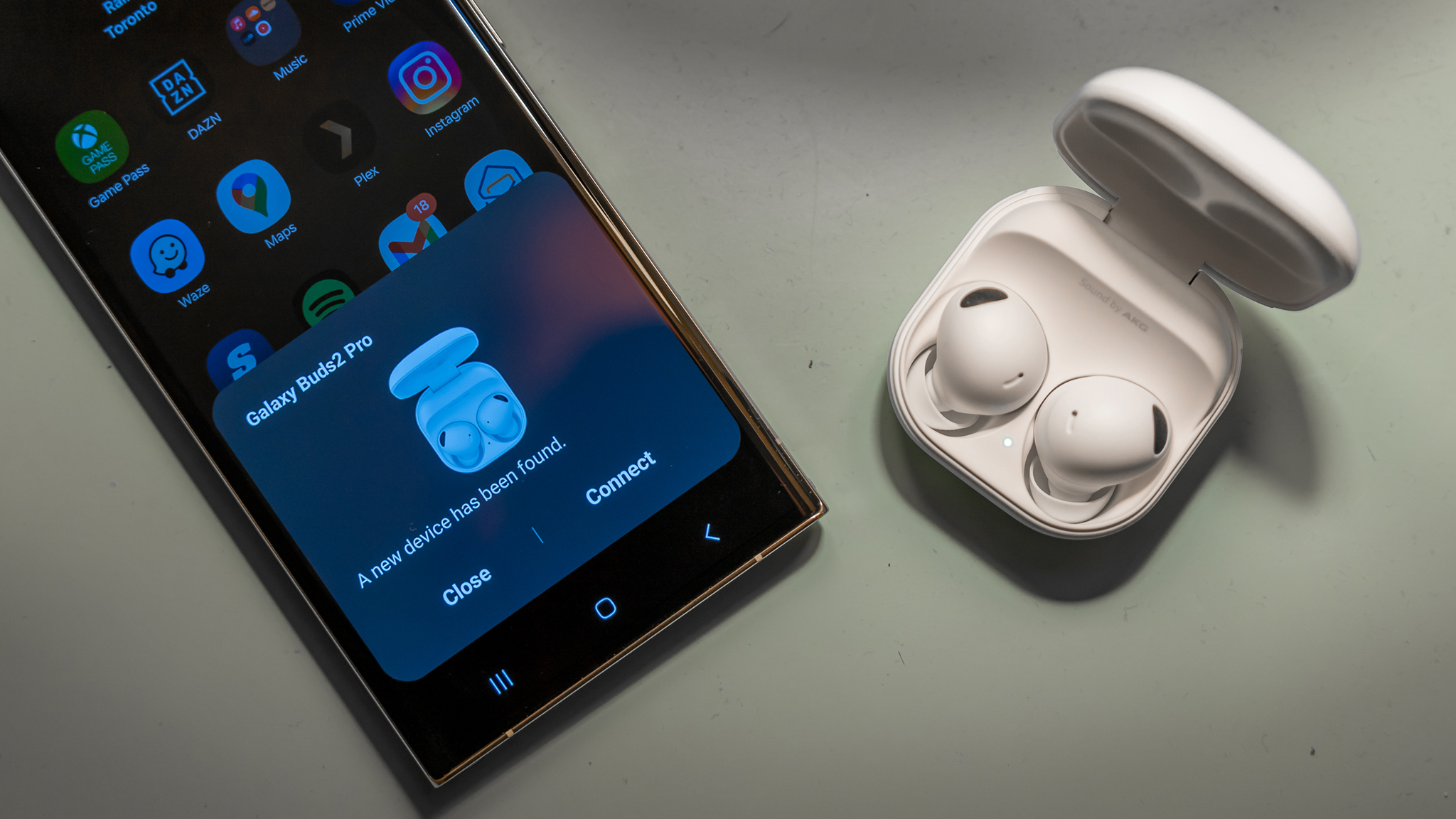
- Hold the case near your phone. Wait for the pop-up.
- Tap Connect. Follow the prompts in Galaxy Wearable.
Method 2. Use the Galaxy Wearable app
- Install or open Galaxy Wearable.
- Tap Add new device.
- Open the case near the phone. Select your Buds from the list.
- Accept pairing and permissions.
Pro tip from the field: If the pop-up does not appear, toggle Bluetooth off and on, then open the case again. Nine times out of ten, that does it. This direct flow is the gold standard for how to pair samsung galaxy buds to phone when you use a Samsung handset.
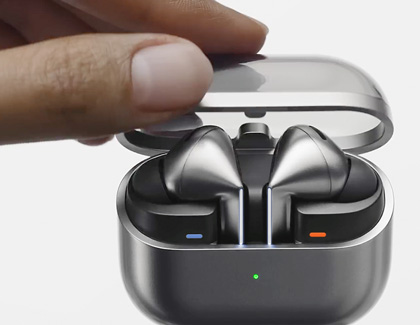
Pair Galaxy Buds to other Android phones
You can still get a fast setup on non-Samsung Android phones. This section shows how to pair samsung galaxy buds to phone from brands like Google, OnePlus, and Motorola.
First-time pairing
- Turn on Bluetooth.
- Open the earbud case with both buds inside. Keep the lid open.
- Go to Settings, then Bluetooth, then Pair new device.
- Tap your Galaxy Buds name. Confirm the pairing code if asked.
Manual pairing mode for later connections
- Put both earbuds in your ears.
- Touch and hold both touchpads at the same time until you hear a rapid beep.
- Open Bluetooth settings. Select your Galaxy Buds to connect.
Quick fix I rely on: If you cannot see the buds, clear old entries. Remove any “Galaxy Buds” listed under paired devices, then scan again. This is a common block when learning how to pair samsung galaxy buds to phone on non-Galaxy Android.

Pair Galaxy Buds to an iPhone
You can pair like any other Bluetooth earbuds. Some advanced features are not available on iOS. You can still stream music, take calls, and use basic controls.
Steps
- Open Settings on iPhone, then Bluetooth.
- Open the bud case with both earbuds inside. Keep the lid open.
- Under Other Devices, tap your Galaxy Buds.
- Accept pairing prompts.
Notes for iPhone users
- You cannot use the Galaxy Wearable app on current iOS for most Buds models.
- You may miss features like ANC fine-tuning, 360 Audio, and firmware updates.
- To update firmware later, borrow an Android phone with the Wearable app.
This is still a solid answer for how to pair samsung galaxy buds to phone when that phone is an iPhone. Just know the limits up front.

Enter pairing mode and reset options
When you move between devices, you may need manual pairing or a reset. This part is key to mastering how to pair samsung galaxy buds to phone again and again.
Enter pairing mode
- First-time out of the box: open the case with buds inside. They enter pairing mode.
- After they have been paired: put both buds in your ears. Touch and hold both touchpads until you hear a beep tone.
Soft reset and full reset
- Soft reset: place buds in the case, close the lid for 10 seconds, then retry.
- Reset in Wearable app: Galaxy Wearable, Earbud settings, Reset. This clears pairing records.
- Manual factory reset for many models: wear both buds and touch and hold both sides for about 10 seconds until a tone sequence plays. Then pair fresh.
If your goal is how to pair samsung galaxy buds to phone after switching devices, a quick reset often solves stubborn issues.

Troubleshooting: fast fixes that work
I use these fixes in real support calls. They solve 90 percent of pairing problems. Keep them handy as you practice how to pair samsung galaxy buds to phone.
Common checks
- Charge case and buds. A low case can block pairing.
- Close and reopen the case near the phone.
- Toggle Bluetooth off and on. Then try pairing again.
Remove old pairings
- On your phone, forget any “Galaxy Buds” entries.
- On any other device that used the buds, disconnect and forget them.
- Reboot your phone. Start a fresh scan.
Update and clear
- On Android, install or update Galaxy Wearable and the Buds plugin.
- Update the buds firmware in the Wearable app.
- Clear Bluetooth cache on Android. Settings, Apps, Show system, Bluetooth, Storage, Clear cache.
Radio noise tips
- Move away from routers, microwaves, or crowded 2.4 GHz spaces.
- Keep the phone and case within a few feet during pairing.
When in doubt, reset the buds and start over. That simple loop is the heart of how to pair samsung galaxy buds to phone when nothing else works.

Optimize sound and calls after pairing
You paired the buds. Now make them shine. This adds value beyond the basic steps of how to pair samsung galaxy buds to phone.
On a Samsung phone
- Open Galaxy Wearable. Set ANC, Ambient sound, and equalizer.
- Enable Voice detect or Ambient during calls if your model supports it.
- Turn on Find My Earbuds for safety.
On other Android phones
- Use system EQ if your phone has it.
- Check in-app EQ in Spotify, YouTube Music, or Apple Music.
- Keep the buds firmware updated via a Samsung phone when possible.
Call quality tips
- Pick the right eartip size for a tight seal.
- Clean the mic ports with a soft brush.
- Turn off high wind areas for calls or enable Ambient to hear yourself better.
Knowing how to pair samsung galaxy buds to phone is step one. Tuning them for your ears is step two.

Quick answers to common questions
These short answers match what people often ask right after searching how to pair samsung galaxy buds to phone.
Can Galaxy Buds connect to two devices at once
- Most models do not support classic Bluetooth multipoint. They support Auto Switch between Samsung devices on the same account.
Do I need the Galaxy Wearable app
- On Samsung and Android phones, it is the best way to manage features and update firmware. On iPhone, most models do not have app support now.
Why do my buds not show up in Bluetooth
- They may be still linked to another device. Forget them everywhere, reset the buds, and scan again. Keep the case open near the phone.
How do I fix one earbud not pairing
- Put both buds in the case for 10 seconds. Then pair again. If one side still fails, reset in Galaxy Wearable or perform a manual reset.
Is there a button on the case for pairing
- Galaxy Buds cases do not use a pairing button. Use the open case method or touch-and-hold on both earbuds to enter pairing mode.
Source: androidcentral.com
Frequently Asked Questions of how to pair samsung galaxy buds to phone
How do I know my Galaxy Buds are in pairing mode
Open the case with both earbuds inside. A chime plays, and the LED blinks, which signals pairing mode. If not, touch and hold both earbuds while wearing them until you hear a tone.
Does the process change by model
The flow is the same for Buds, Buds+, Buds Live, Buds Pro, Buds2, Buds2 Pro, and Buds FE. The Wearable app layout can vary a bit, but pairing steps are almost identical.
Can I use Fast Pair on non-Samsung Android phones
You may see a standard Bluetooth prompt rather than Samsung’s pop-up. Pair from Bluetooth settings if no prompt appears; it works the same.
Why do my buds disconnect after pairing
Battery, radio noise, or old firmware can cause drops. Charge both buds and case, move to a cleaner signal area, and update via the Wearable app.
Will factory reset delete my custom controls
Yes. A factory reset clears gestures, EQ, and paired device records. You can reapply settings in the Wearable app after pairing again.
How often should I update firmware
Check monthly or after major phone updates. Firmware improves stability, ANC performance, and connection reliability.
Conclusion
You now know how to pair samsung galaxy buds to phone on any platform, how to switch devices, and how to fix the common snags. Keep your case open, clear old pairings, and use the Wearable app to lock in a stable link.
Take five minutes today to pair, update, and tune your buds. Small steps here pay off every day you listen. If this helped, share it with a friend, subscribe for more quick guides, or drop a question in the comments.




One Comment